How to deposit Filecoin from a hardware wallet with GLIF
If you have stored your FIL tokens in cold storage, navigating the new Filecoin DeFi apps may seem confusing. However, it is actually quite simple, and we will show you how to do it.
In this guide, we use a Ledger Nano X. You can either watch the tutorial video or follow the step-by-step instructions below.
Step 1. Connect your hardware wallet to your laptop
Make sure you have your device connected to your computer (e.g., with the supplied cable), and enter your pin to unlock it.
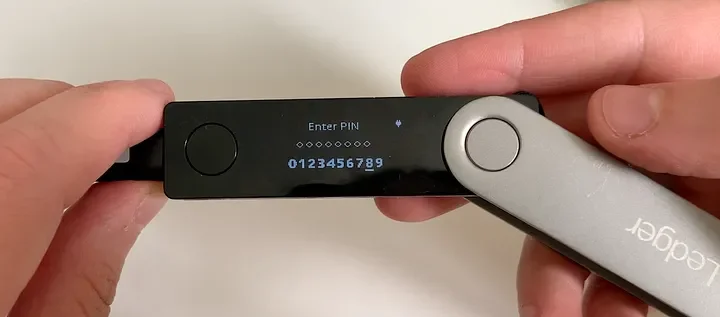
Step 2. Connect your wallet to GLIF
- Go to GLIF website and click on Connect Wallet in the top right of the screen. You will see a list of wallets to connect. Choose “Ledger (Filecoin)”.
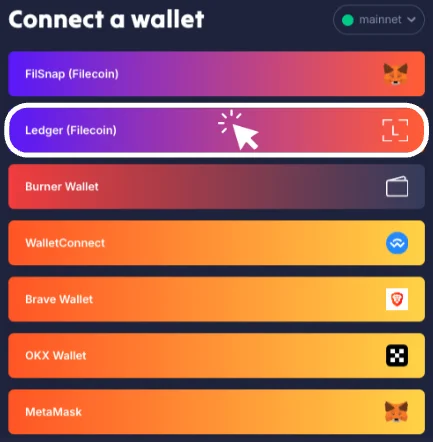
- If your hardware wallet is unlocked and connected, you will see a pop-up in your browser asking to connect the HID device.
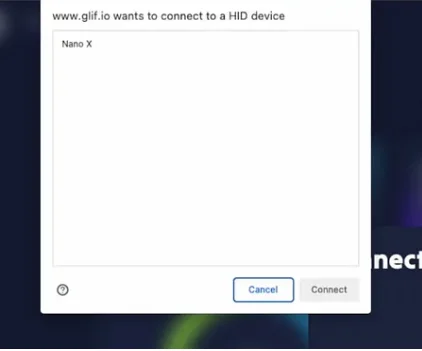
- Make sure the Filecoin app is open on your device before you try to connect it.
TIP
If you have a problem adding the Filecoin app to your Ledger, please check the tutorial here.
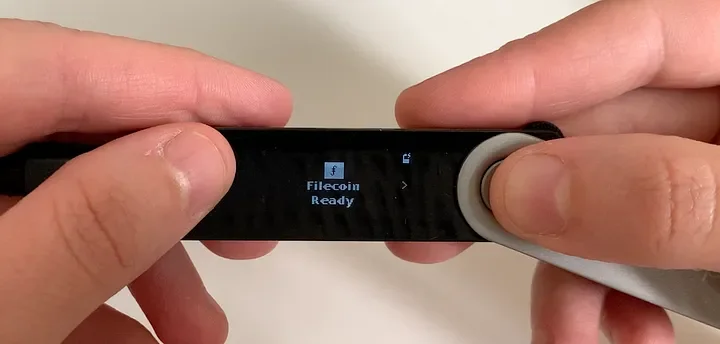
- When the device says “Filecoin Ready”, then select the device in the browser popup and hit Connect.

- Once you are connected, you will see your hardware wallet Filecoin address in the top right of the GLIF website, as well as your total FIL balance.
Step 3. Deposit your tokens
- Click “Deposit Filecoin” in the main page, or go to the “Pool” page.

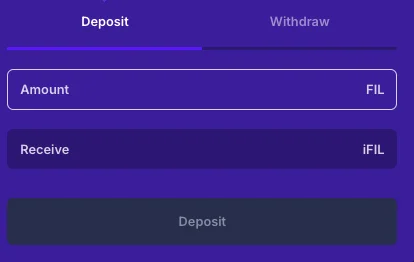
- Enter the amount you wish to deposit, and click “Deposit”.
NOTE
Remember that you will need to leave a small amount of FIL in your wallet to cover transaction fees.
- Then hit “Send”.
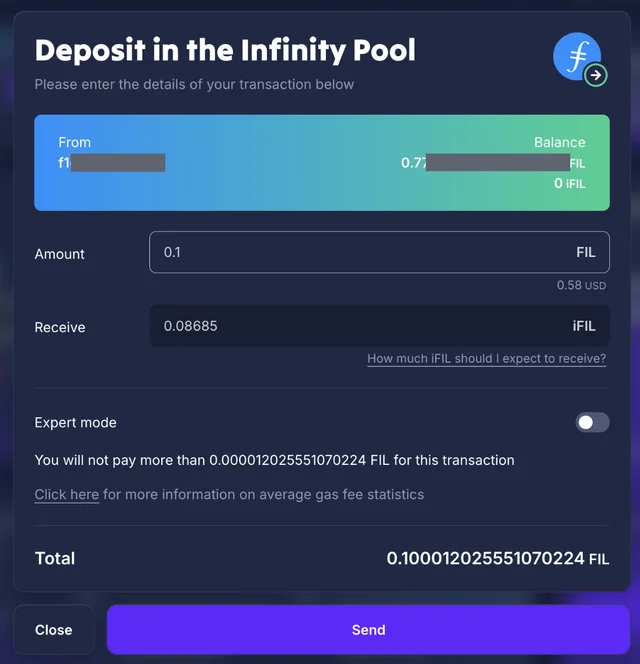
4. Confirm in your hardware wallet.
Step 4. Receive your iFIL
Once you have deposited FIL, after a minute or two, you will receive iFIL — this represents your initial deposit plus your earned rewards. For more information on iFIL, check out our docs.
For a more detailed view of your position, click on “Wallet” in the GLIF navigation, and you will be able to see the FIL and iFIL associated with your hardware wallet address in the Token section.
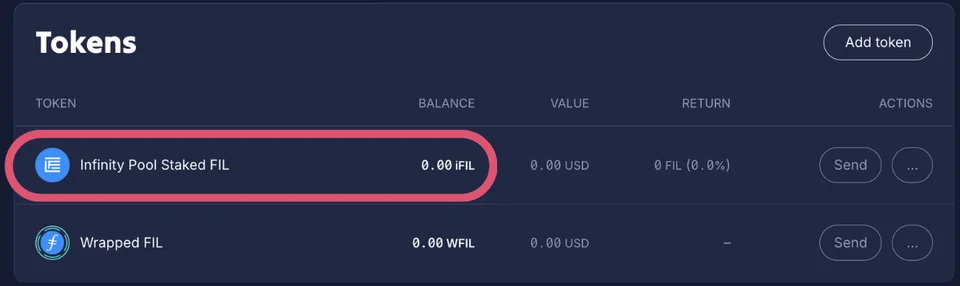
Then, you are successfully deposit FIL from Ledger to GLIF! Once you know the steps, it is quite easy.
Conclusion
When you want to withdraw your deposit, you will return your iFIL to GLIF and receive FIL back. Check here for more details about withdrawal. Check the step-by-step guide in this tutorial for detailed withdrawal instructions.
Join our community!
- 📢 Stay informed with updates on our blog and X (Twitter)
- 🤝 Connect with us through Discord and Telegram for support and partnerships
- 💬 If you encounter any difficulties, please open a Discord support ticket
- ⚠️ Beware of scammers! GLIF team members have the role “GLIF” or “Moderator”